구글 블로그 본문 링크 새창으로 띄우는 방법
- Blog
- 2026. 4. 27.
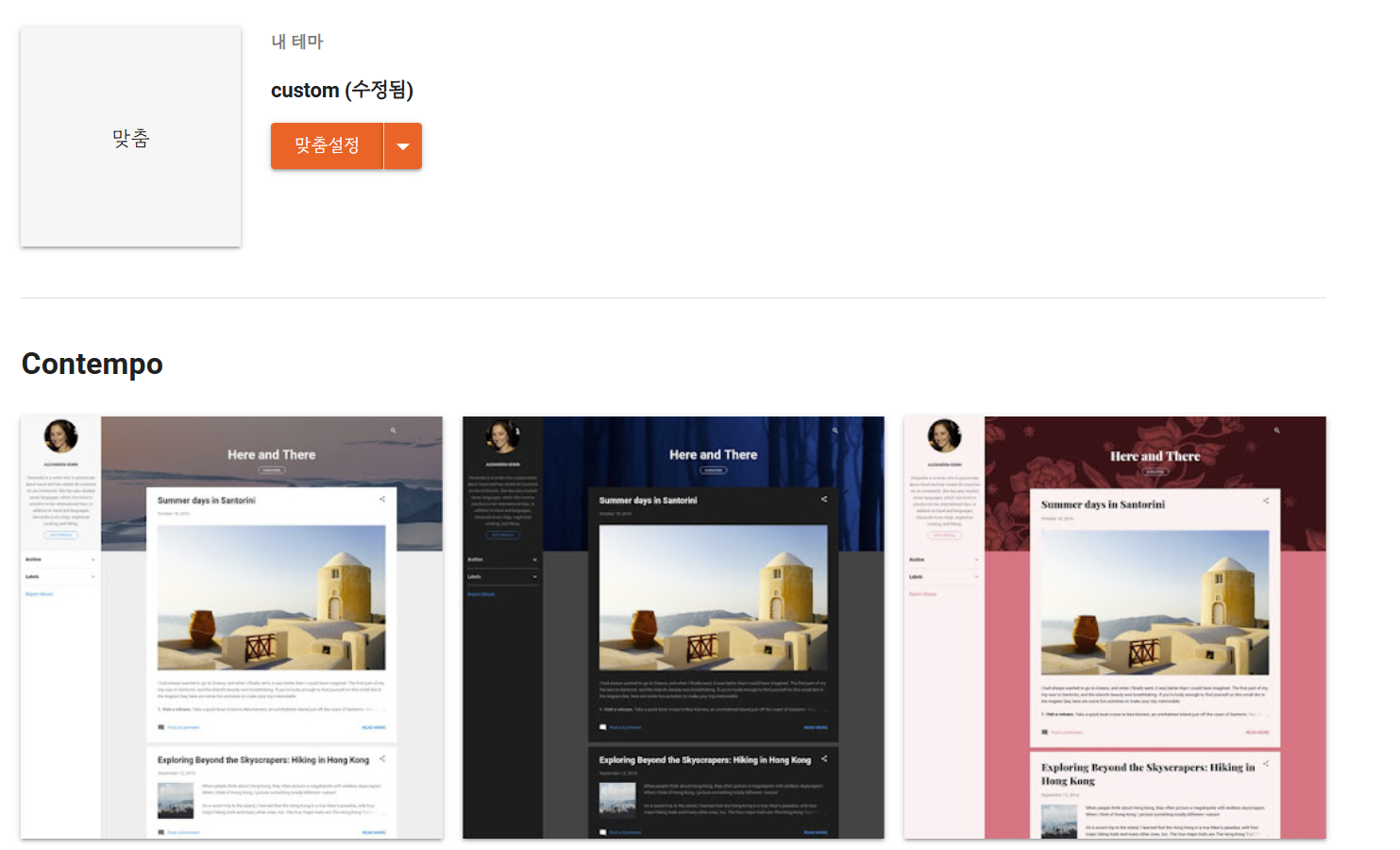
▶ 요약: 테마 제일 하단의 /body 상단에 관련 스크립트 삽입하면 된다.
▶내용
구글 블로그에 외부 컨텐츠를 복사해서 붙혀넣기하면 링크는 기본적으로 self로 클릭이 된다.
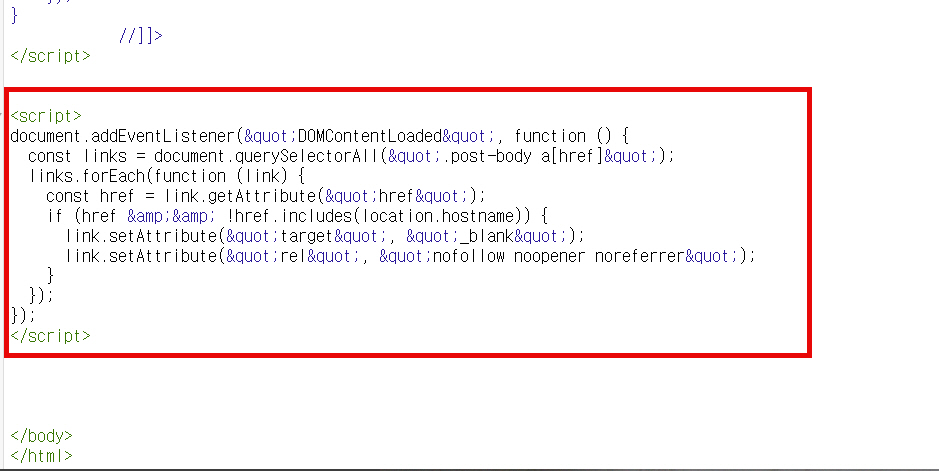
아래 코드를 테마 제일 하단의 </body> 바로 앞에 삽입하면 본문의 모든 링크는 새창으로 클릭된다.
nofollow 옵션이 적용된 스크립트로 검색엔진에서 해당 링크 추적이 제외되게 된다.
즉, 본문에서 해당 블로그와 관련이 없는 제휴마케팅 링크 삽입 시 유용하다.
<script>
document.addEventListener("DOMContentLoaded", function () {
const links = document.querySelectorAll(".post-body a[href]");
links.forEach(function (link) {
const href = link.getAttribute("href");
if (href && !href.includes(location.hostname)) {
link.setAttribute("target", "_blank");
link.setAttribute("rel", "nofollow noopener noreferrer");
}
});
});
</script>
document.addEventListener("DOMContentLoaded", function () {
const links = document.querySelectorAll(".post-body a[href]");
links.forEach(function (link) {
const href = link.getAttribute("href");
if (href && !href.includes(location.hostname)) {
link.setAttribute("target", "_blank");
link.setAttribute("rel", "nofollow noopener noreferrer");
}
});
});
</script>